#include <Demo.h>
Public Member Functions | |
| Demo (b2World *m_world, config::sConfig cfg) | |
| bool | addRobotWithDelay () |
| bool | addRobotWithDistance () |
| void | createBridgeFile () |
| void | demoLoop () |
| double | getBridgeHeight () |
| RobotController | getController () |
| double | getNewPathLength () |
| sf::RenderWindow * | getWindow () |
| void | init () |
| void | takeScreenshot (bool draw, int step) |
| void | writeResultFile () |
| void | writeBridgeFile () |
Protected Attributes | |
| b2World * | m_world = nullptr |
Detailed Description
The Demo class gather all the elements of the simulation: the terrain, the robot controller and the robots and implement more abstract simulation methods. Those methods handle the robot interaction with the terrain and between themselves ie the group behavior. This is why the robots are only created via the robot controller. It also handle the simulation results by writing them in two distinct files:
- The overall result file with the summary of the results
- The bridge file that gather the timestep and position of every robots entering the bridge state. It is updated every time a new robot enter the bridge state.
Constructor & Destructor Documentation
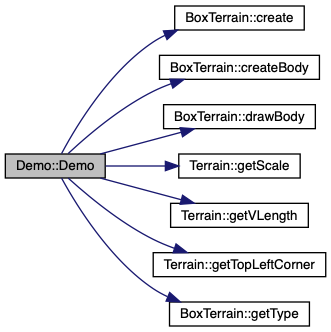
◆ Demo()
| Demo::Demo | ( | b2World * | m_world, |
| config::sConfig | cfg | ||
| ) |
Member Function Documentation
◆ addRobotWithDelay()
| bool Demo::addRobotWithDelay | ( | ) |
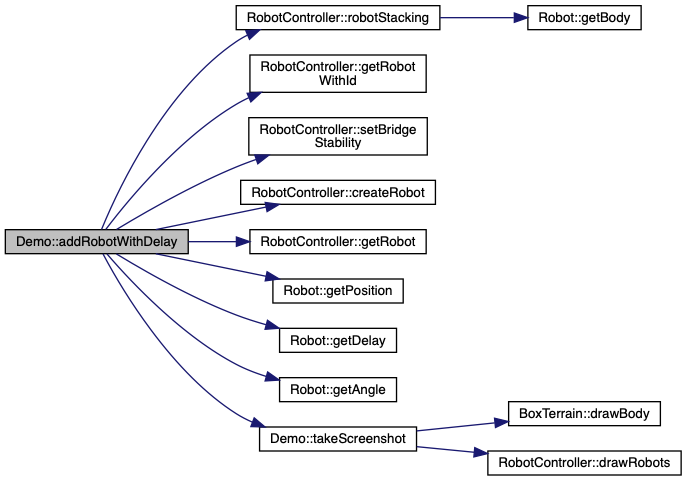
Create a new robot after a given delay defined by m_config.simulation.robot_delay (which has been obtained as an argument of the Demo object creation) until the maximum number of robots have been reached. The traffic is thus controlled by the initial position and the delay between the robots.
- Returns
- false if the robots are stacking (the previous robot too close to the one that will be created)
Definition at line 261 of file Demo.cpp.

◆ addRobotWithDistance()
| bool Demo::addRobotWithDistance | ( | ) |
Create a new robot when a given distance with the previous robot defined by m_config.simulation.robot_distance has been reached and the previous robot has an angle corresponding to the desired phase shift. It does so until the maximum number of robots have been reached. The traffic is thus controlled by the distance between the robots and the phase shift.
- Returns
- true when a new robot is created.
Definition at line 301 of file Demo.cpp.

◆ createBridgeFile()
| void Demo::createBridgeFile | ( | ) |

◆ demoLoop()
| Both cases are then almost identical apart from the simulation part void Demo::demoLoop | ( | ) |
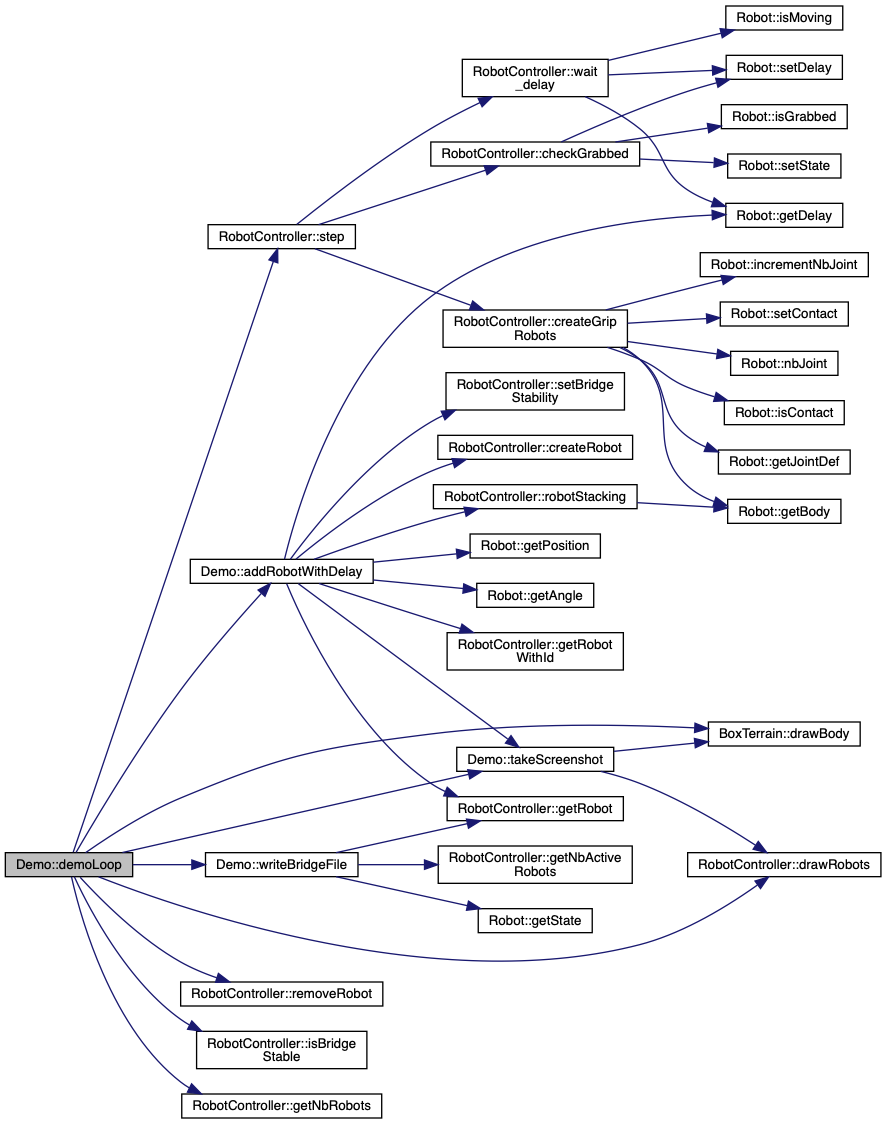
Simulation loop that handle the synchronization between the physics and the controller step. The visualization is activated or deactivated via m_config.simulation.visualization. The Simulation is composed of two steps: the bridge formation where new robots are created following the given delay or distance and the bridge dissolution step where no more robots are created. The duration of the two steps are determined by respectively m_config.simulation.bridge_duration and m_config.simulation.dissolution_duration. The results are written in the two distinct files.
Data processing Precise the simulation parameters: distance between robots, speed Get time of the first bridge contact get time when the last robot enter the stable bridge state get points of contact for every robot + position and orientation of center
Definition at line 95 of file Demo.cpp.
◆ getBridgeHeight()
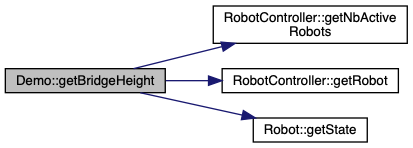
| double Demo::getBridgeHeight | ( | ) |
◆ getController()
| RobotController Demo::getController | ( | ) |
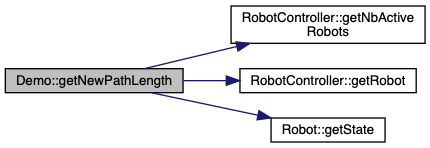
◆ getNewPathLength()
| double Demo::getNewPathLength | ( | ) |
◆ getWindow()
| sf::RenderWindow * Demo::getWindow | ( | ) |
◆ init()
| void Demo::init | ( | ) |

◆ takeScreenshot()
| void Demo::takeScreenshot | ( | bool | draw, |
| int | step | ||
| ) |
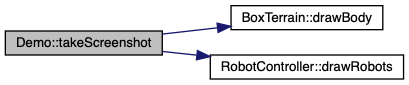
Take a screenshot of the simulation at a given time step. The image is saved under m_config.logfile_path + m_config.logfile_name + "_dissolution_" + std::to_string(m_currentIt) + ".jpg"
- Parameters
-
draw should be true if the window has to be drawn beforehand. It is the case when the visualization is deactivated step is the simulation step: it is either 1 if the simulation is in the bridge formation step or 2 if the simulation is in the bridge dissolution one.
Definition at line 598 of file Demo.cpp.

◆ writeBridgeFile()
| void Demo::writeBridgeFile | ( | ) |
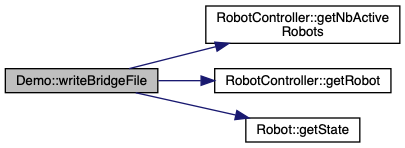
Write the file containing the bridge formation details. This file is updated every time a new robot enter the bridge state The file is saved under m_config.logfile_path + m_config.logfile_name + "_bridge.txt";
Robot id and age
Robot position
Joint position
Definition at line 556 of file Demo.cpp.

◆ writeResultFile()
| void Demo::writeResultFile | ( | ) |
Write the file containing the summary of the simulation results The file is saved under m_config.logfile_path + m_config.logfile_name + "_result.txt";
Terrain parameters
Simulation parameters
Controller parameters
Controller parameters
Bridge parameters
Dissolution parameters
Definition at line 446 of file Demo.cpp.

The documentation for this class was generated from the following files: